1. Navigate to Data Tools
2. Select the Employee option
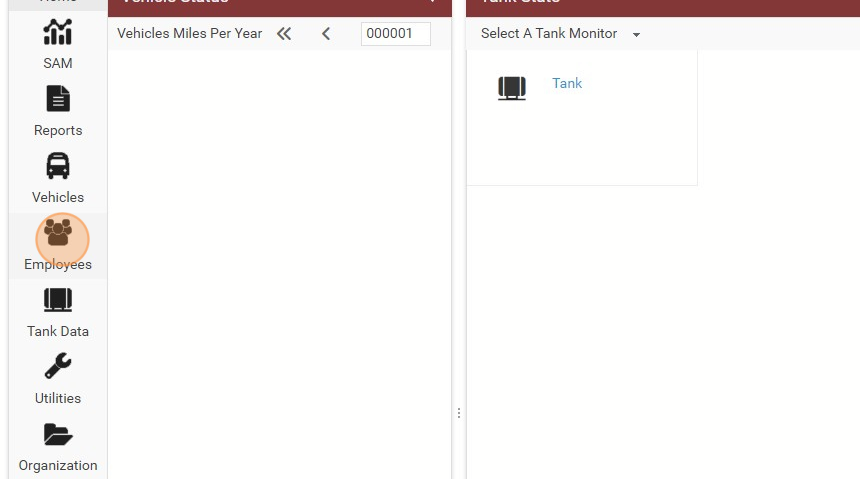
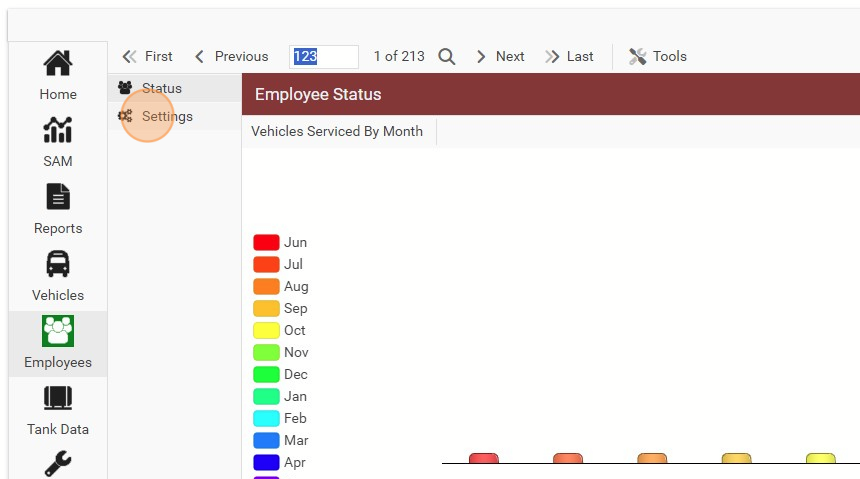
3. Click "Settings"
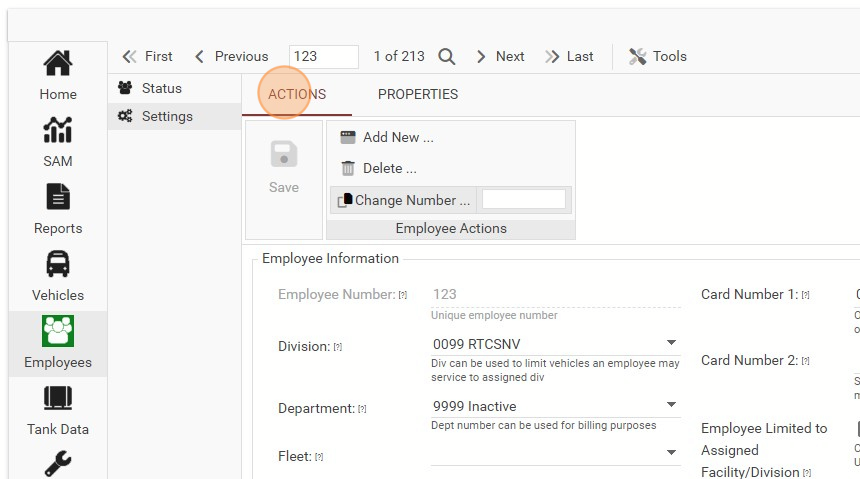
Click "ACTIONS"
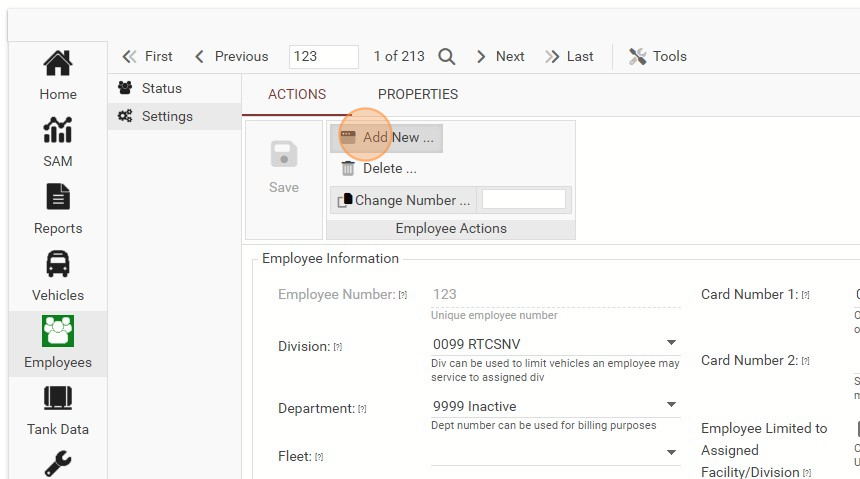
Click "Add New ..."
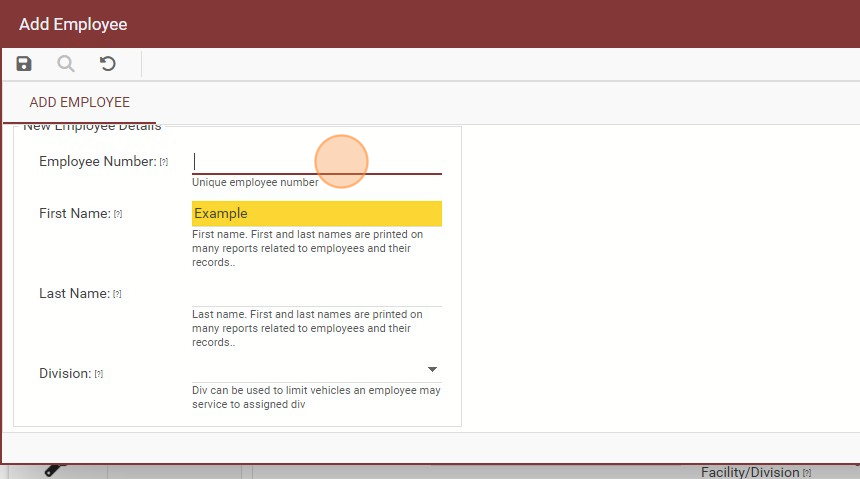
Fill Out the Employee's Number
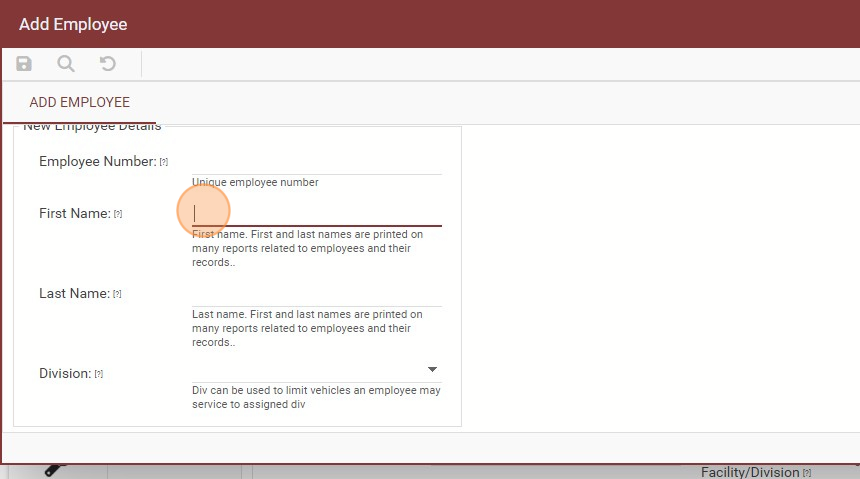
Fill out the First Name
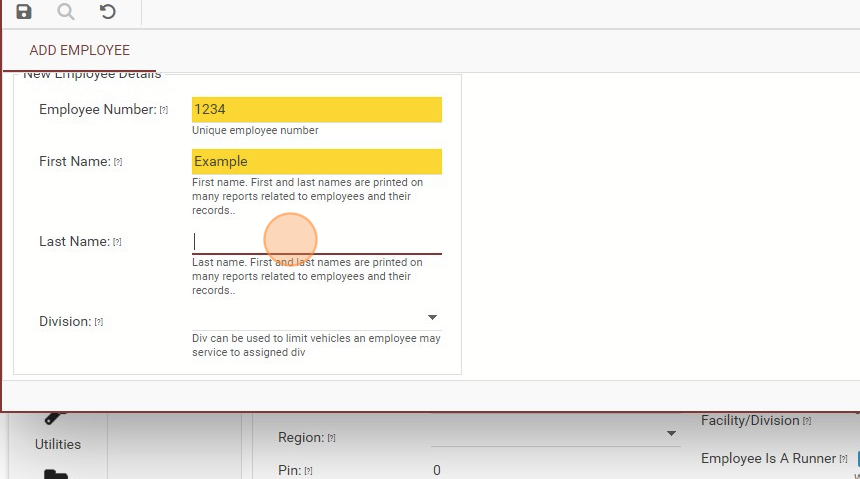
Fill out the Last Name
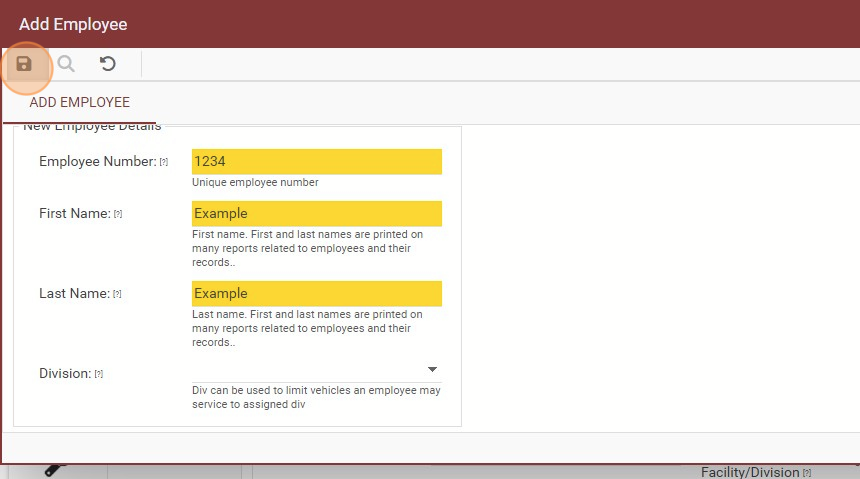
Click the Save Icon
_White_Background_square_1920px.png?width=256&height=96&name=FLEETWATCH%20Fleet%20Information%20Technology%20by%20S%26A%20Systems%2c%20Inc%20(06_28_2021)_White_Background_square_1920px.png)
1. Navigate to Data Tools
2. Select the Employee option
3. Click "Settings"
Click "ACTIONS"
Click "Add New ..."
Fill Out the Employee's Number
Fill out the First Name
Fill out the Last Name
Click the Save Icon