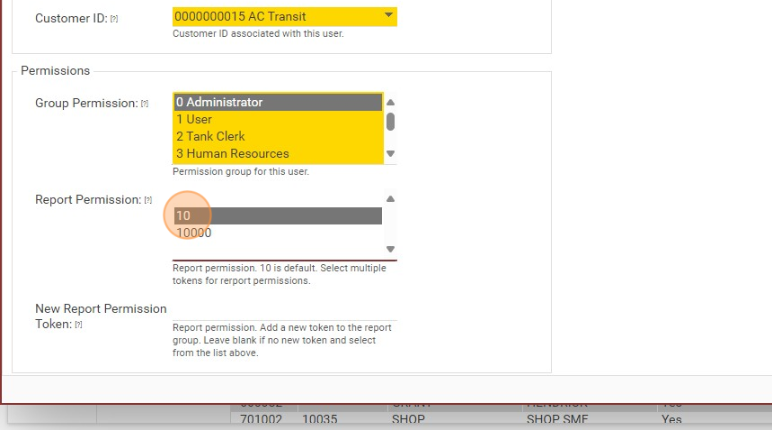
When adding a new user using the DT username and password option, ensure a Report Permission is selected. Select "10" to see report sections: Recent, Employee, Facility, Observable, Service, Tank, and Vehicle.
Select "100" to see Technical.
Select both 10 and 100 to see all reports listed above.